

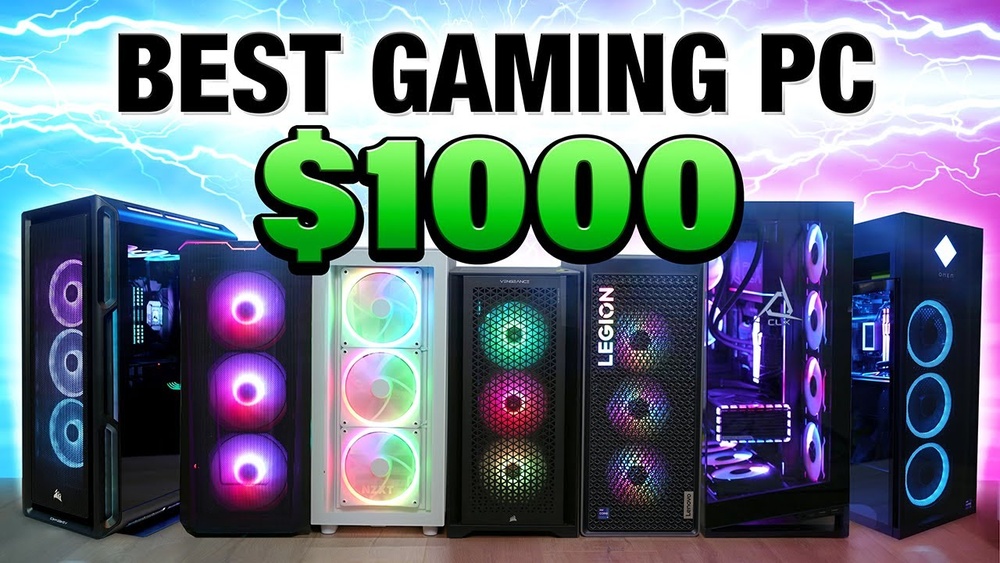
Finding the best gaming PC under $1000 can feel like a tough challenge. Many gamers want smooth graphics, fast performance, and a computer that lasts for years. But with prices rising and so many options, picking the right machine isn’t easy. This guide will help you understand what matters most in a gaming PC under $1000, compare top choices, and avoid common mistakes. Whether you’re new to PC gaming or upgrading from an old laptop, you’ll learn how to get maximum value for your money.
What To Look For In A Gaming Pc Under $1000
When shopping for a gaming PC in this price range, you need to balance performance and price. Here are the most important parts to focus on:
- Graphics Card (GPU): This is the key for gaming. Look for cards like NVIDIA GTX 1660 Super or AMD Radeon RX 6600. They handle most modern games at 1080p resolution.
- Processor (CPU): Aim for at least a 6-core CPU. Options like AMD Ryzen 5 5600G or Intel Core i5-12400F are fast for gaming and multitasking.
- RAM: 16GB is ideal. It helps your PC run games and apps smoothly.
- Storage: SSDs make loading times faster. Try for at least a 500GB SSD. More is better, but you can add extra storage later.
- Motherboard and Power Supply: Reliable brands matter. Cheap parts can cause problems, even if specs look good.
- Case and Cooling: Make sure there’s good airflow to keep parts cool, especially during long gaming sessions.
Many prebuilt gaming PCs offer a solid mix of these components. Building your own PC can save money, but prebuilt machines are easier for beginners.
Top Gaming PCs Under $1000 (2024 Picks)
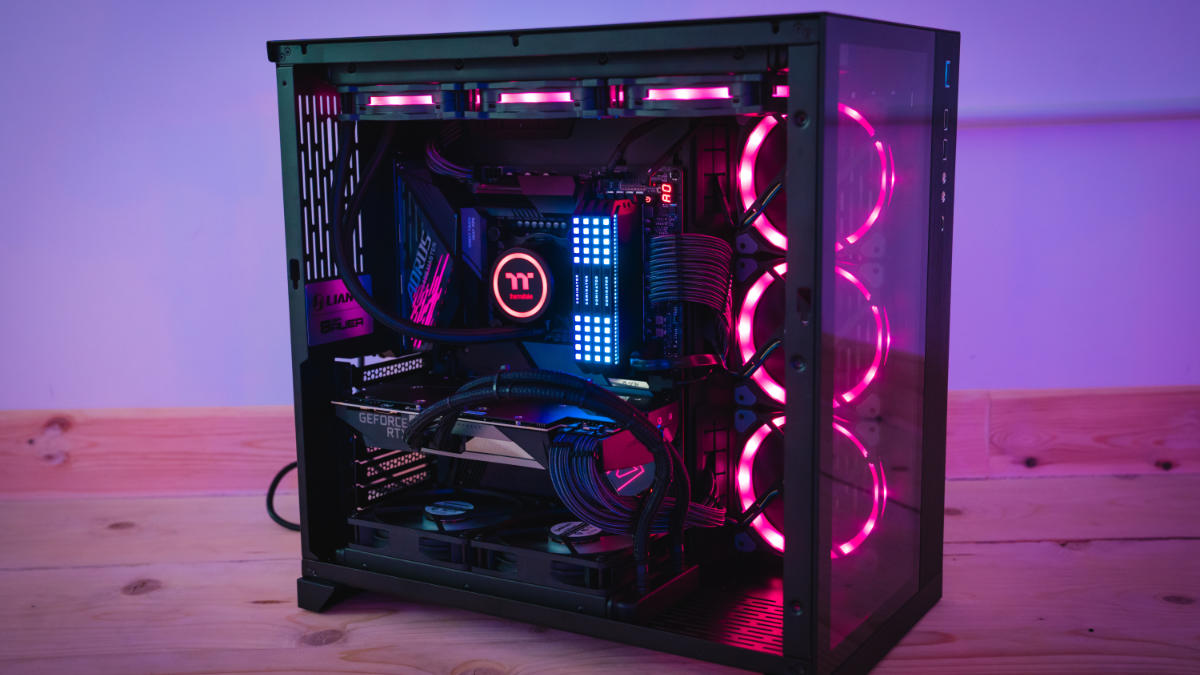
Here’s a look at some of the most popular prebuilt gaming PCs you can buy for less than $1000. Prices can change, but these models usually stay close to the budget.
| Model | GPU | CPU | RAM | Storage | Price |
|---|---|---|---|---|---|
| Skytech Blaze II | GTX 1660 Super | Ryzen 5 5600G | 16GB | 500GB SSD | $950 |
| CyberPowerPC Gamer Xtreme | RTX 3050 | Intel Core i5-12400F | 16GB | 500GB SSD | $999 |
| HP Pavilion Gaming | Radeon RX 6600 | Ryzen 5 5600G | 8GB | 512GB SSD | $900 |
These PCs are ready for most modern games and can handle streaming or video editing too.
Credit: www.wepc.com
Comparing Performance: What Can You Expect?
Gaming PCs under $1000 are powerful enough for most players. Here’s how they perform in popular games:
| Game | Resolution | Average FPS | Settings |
|---|---|---|---|
| Fortnite | 1080p | 130 | High |
| Call of Duty: Warzone | 1080p | 90 | High |
| Cyberpunk 2077 | 1080p | 55 | Medium |
| Valorant | 1080p | 170 | High |
With these specs, you’ll get smooth gameplay in most titles. Some heavy games may need lower settings, but you won’t miss out on the action.
Prebuilt Vs. Custom: Which Should You Choose?
Many gamers wonder if they should buy a prebuilt PC or build their own. Here’s a quick comparison:
| Factor | Prebuilt PC | Custom Build |
|---|---|---|
| Ease | Plug and play | Requires assembly |
| Warranty | Full system | Parts only |
| Upgrade options | Limited | Flexible |
| Price | Often higher | Can save money |
| Quality control | Checked by company | Depends on builder |
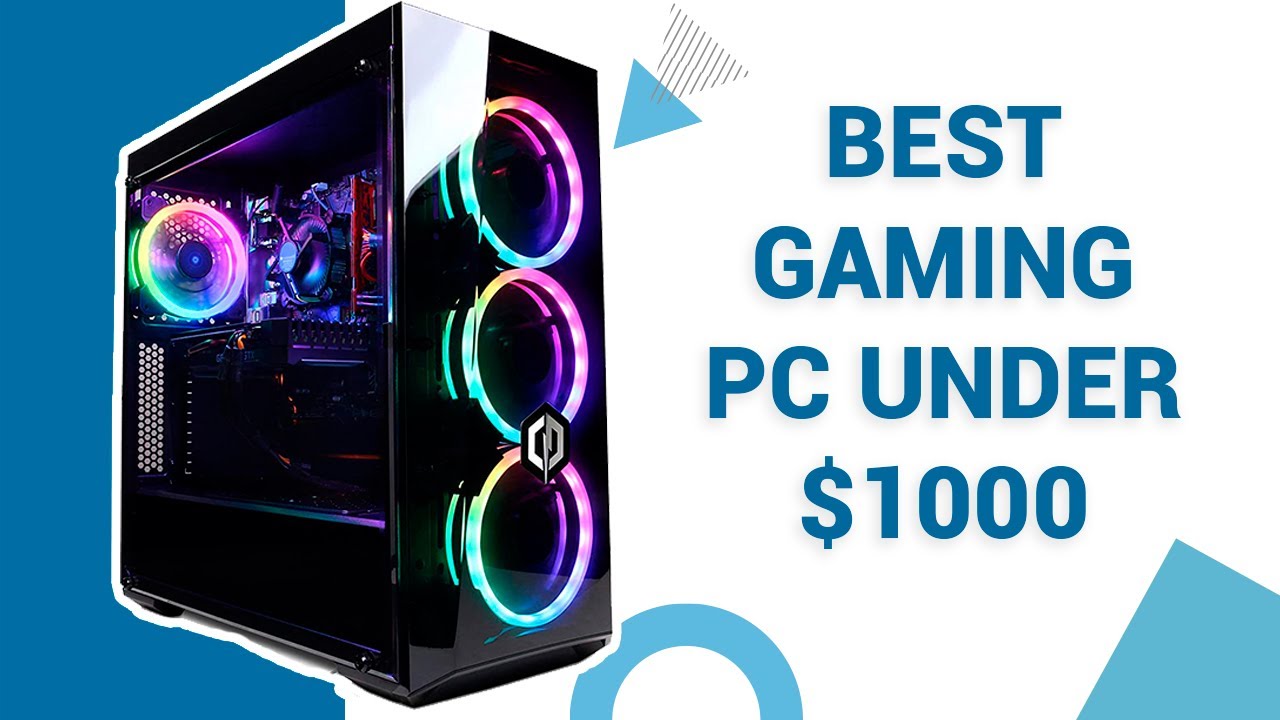
If you’re new to PCs or want a fast setup, prebuilt is safer. But building your own lets you choose every part and upgrade easily.
Credit: www.youtube.com
Two Insights Most Beginners Miss
- Upgradability matters: Many buyers focus only on current specs. But a good gaming PC lets you upgrade the GPU, RAM, or storage later. Make sure your PC has extra RAM slots and space for new drives.
- Windows license is important: Some cheaper builds skip the Windows license to save money, but buying a PC with a legal copy saves time and avoids trouble.
Tips For Buying A Gaming Pc Under $1000
- Check reviews for build quality and customer support.
- Avoid flashy cases if it means weaker internal parts.
- Look for deals on older but strong GPUs like the GTX 1660 Super or RX 6600.
- Make sure there’s space and power for upgrades.
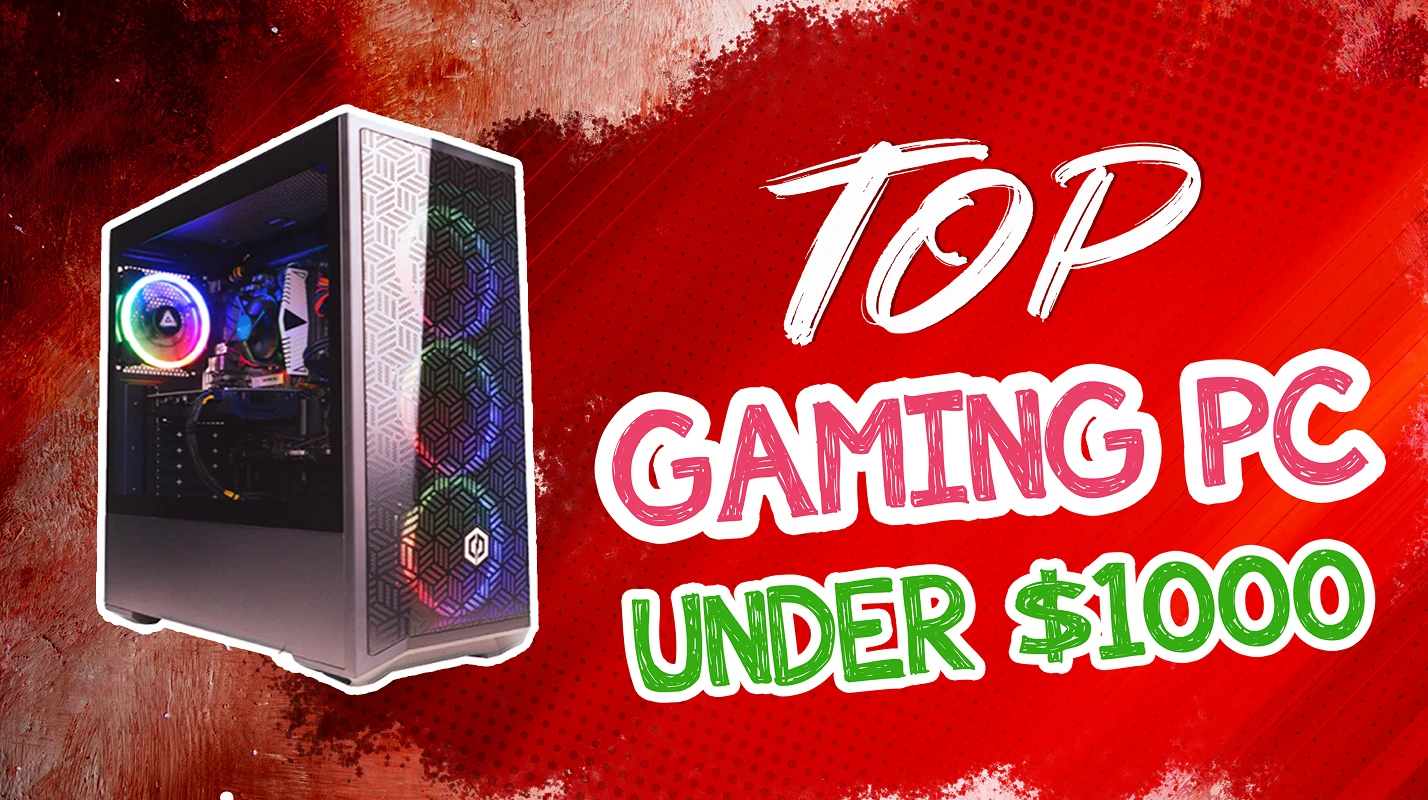
- Don’t overspend on features like RGB lighting or glass panels.
If you want more detailed specs and comparisons, websites like Tom’s Hardware can help.
Credit: www.eneba.com
Frequently Asked Questions
What Games Can I Play On A $1000 Gaming Pc?
You can run most modern games at 1080p with high settings. Titles like Fortnite, Valorant, and Call of Duty will play smoothly. For newer, heavy games, you may need to use medium settings.
Is 16gb Ram Enough For Gaming?
Yes, 16GB RAM is ideal for gaming in 2024. It’s enough for popular games and multitasking, like streaming or browsing while playing.
Can I Upgrade My Pc Later?
Most PCs in this price range offer upgrade options. You can add more RAM, swap storage drives, or replace the graphics card. Check the motherboard for extra slots before buying.
Should I Build Or Buy Prebuilt?
If you know how to build a PC, you can get more power for your money. But prebuilt PCs are easier and safer for beginners, since they come tested and with a warranty.
How Important Is Ssd Storage?
An SSD makes your PC faster. Games load quickly and Windows feels smoother. Even a 500GB SSD is good, but you can add a second drive later if you need more space.
Choosing the best gaming PC under $1000 is about finding the right balance. Focus on strong internal parts, avoid paying for looks, and plan for future upgrades. With careful shopping, you’ll get a machine that delivers great gaming and can grow with you.